For Corporations
Confidential rooms, focused teams
Give sensitive meetings and restricted spaces a physical no-phones policy that doesn't rely on the honour system.

Why companies use Holdr
- Keeps sensitive meetings off the record — no photos, recordings or screenshots
- Protects IP in R&D labs, server rooms and other restricted areas
- Improves focus in open-plan offices and workshops
- Signals a genuine digital-wellbeing policy to staff and clients
- Works for one-off events (board meetings, interviews) or as a standing office policy
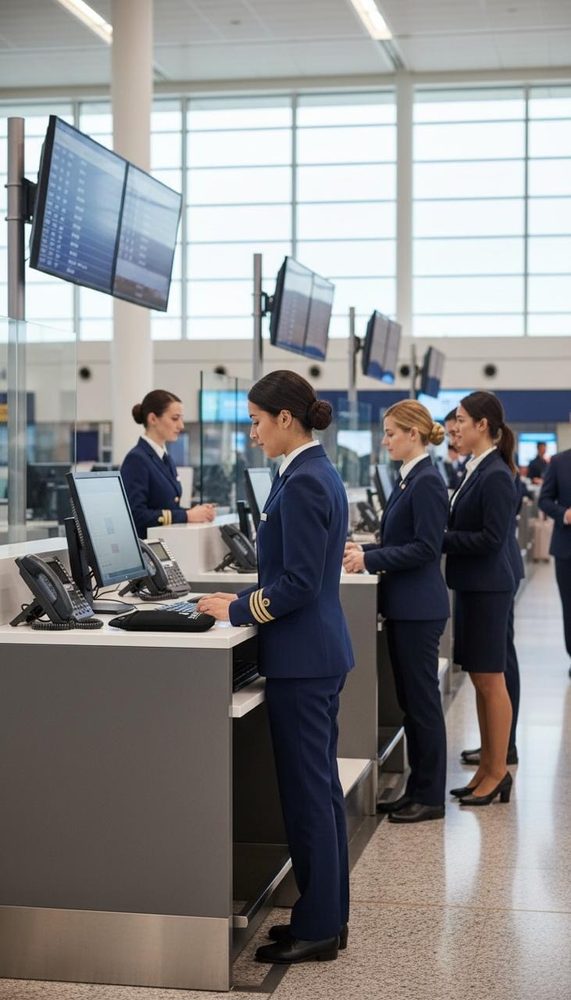
- Keeps staff focused on the client, not distracted
How companies implement it
- Define the zonesDecide whether Holdr applies at reception, specific meeting rooms, labs, or company-wide.
- Fit base stationsUnlocking devices are mounted at entry/exit points to those zones.
- Brief staff & visitorsA short policy note covers when pouches are used and how to get a phone unsealed if needed.
- Review after 30 daysWe check in on adoption and can adjust the number of pouches or station placement.

Checkout
You'll be redirected to PayFast to pay securely by card, EFT or Instant EFT. Holdr never sees or stores your card details.