Take back focus.
Without taking away phones.
Holdr gives schools, organisations and events a simple way to control phone access when focus matters — without confiscation, confrontation or complicated technology.
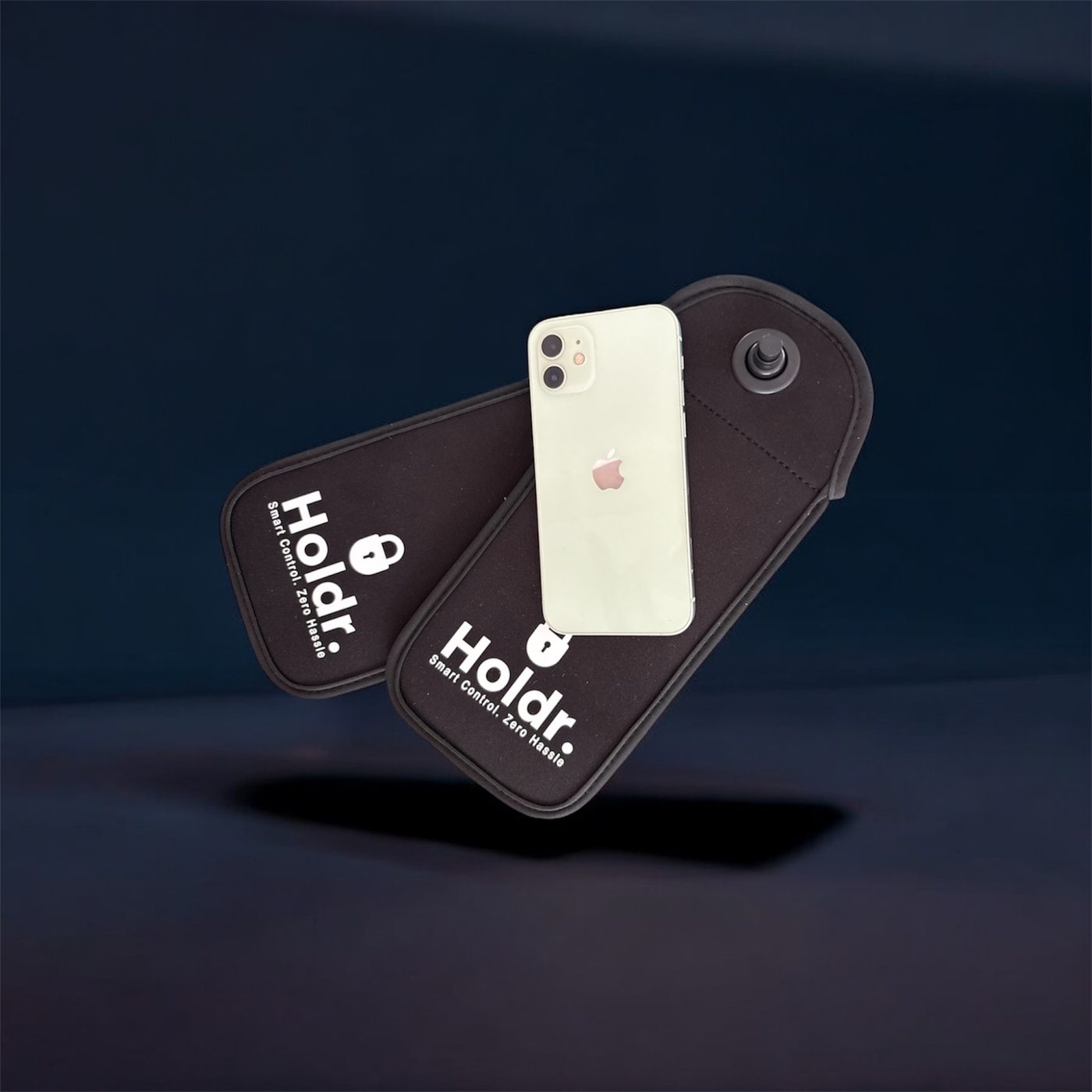
Phones are everywhere. Your attention doesn't have to be.
For schools
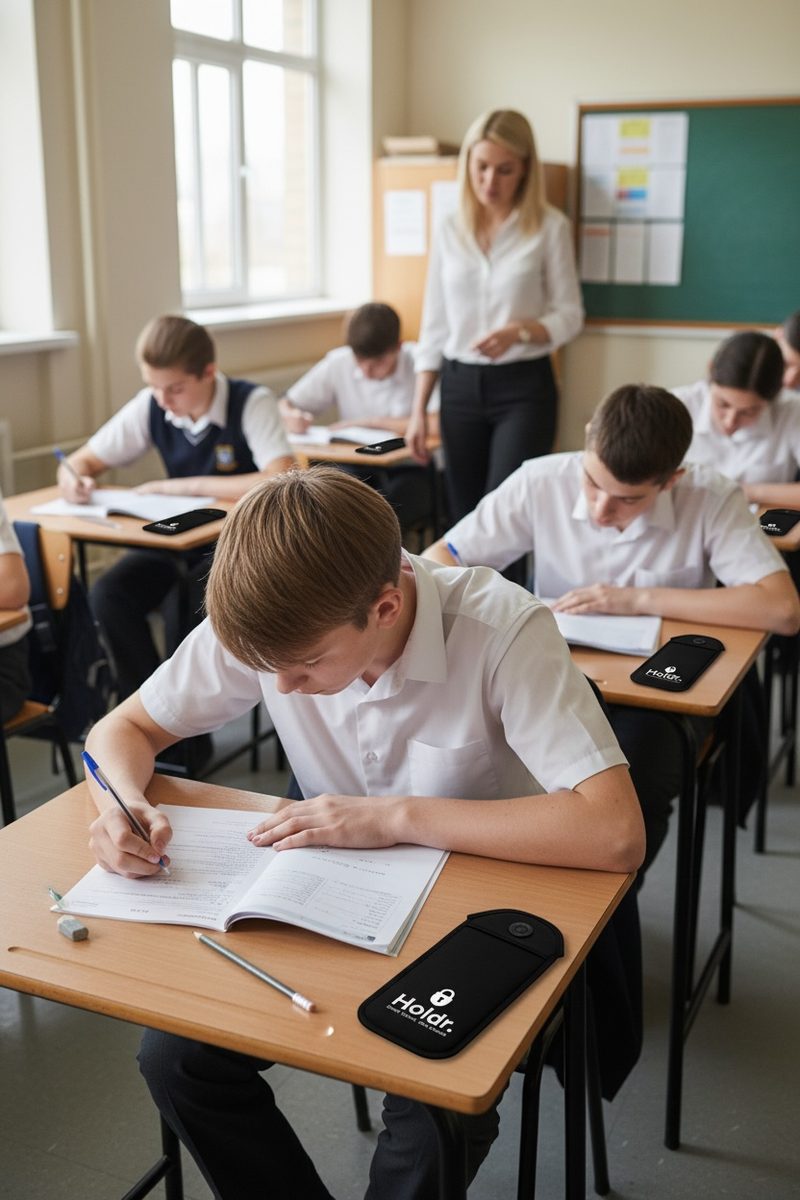
Phones can interrupt lessons, divide attention and create unnecessary conflict around enforcement.
For businesses
Phones can fragment attention during meetings, training and important discussions.
For events
Phones can compete with speakers, presenters and the experience organisers are trying to create.
Confiscation places unnecessary liability on management.
Keep the phone. Remove the distraction.
Holdr allows people to keep their phones with them while making them inaccessible during designated periods. The signal-blocking capabilities of the pouches stops notifications from distracting the room.
Ownership
Your phone stays with you.
Control
Access is restricted when focus matters.
Freedom
Phones are unlocked when access is appropriate.
No confiscation. No arguments. No lost phones.
Three steps. Nothing to configure.
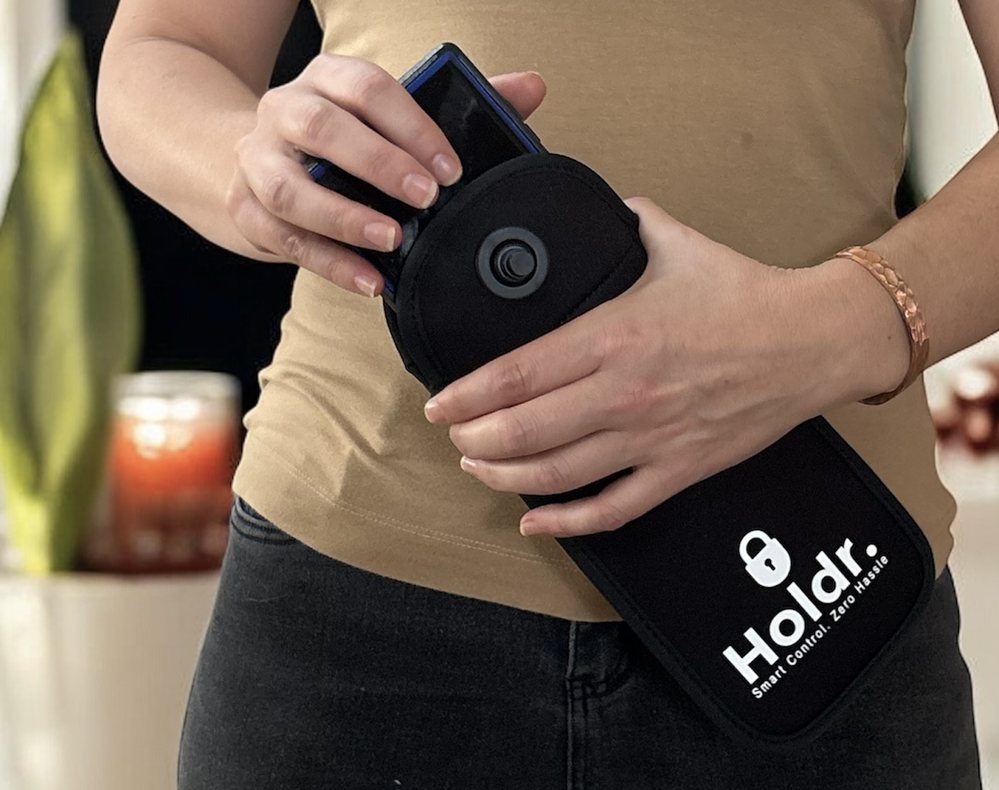
01 — Insert
Place the phone inside the Holdr pouch.
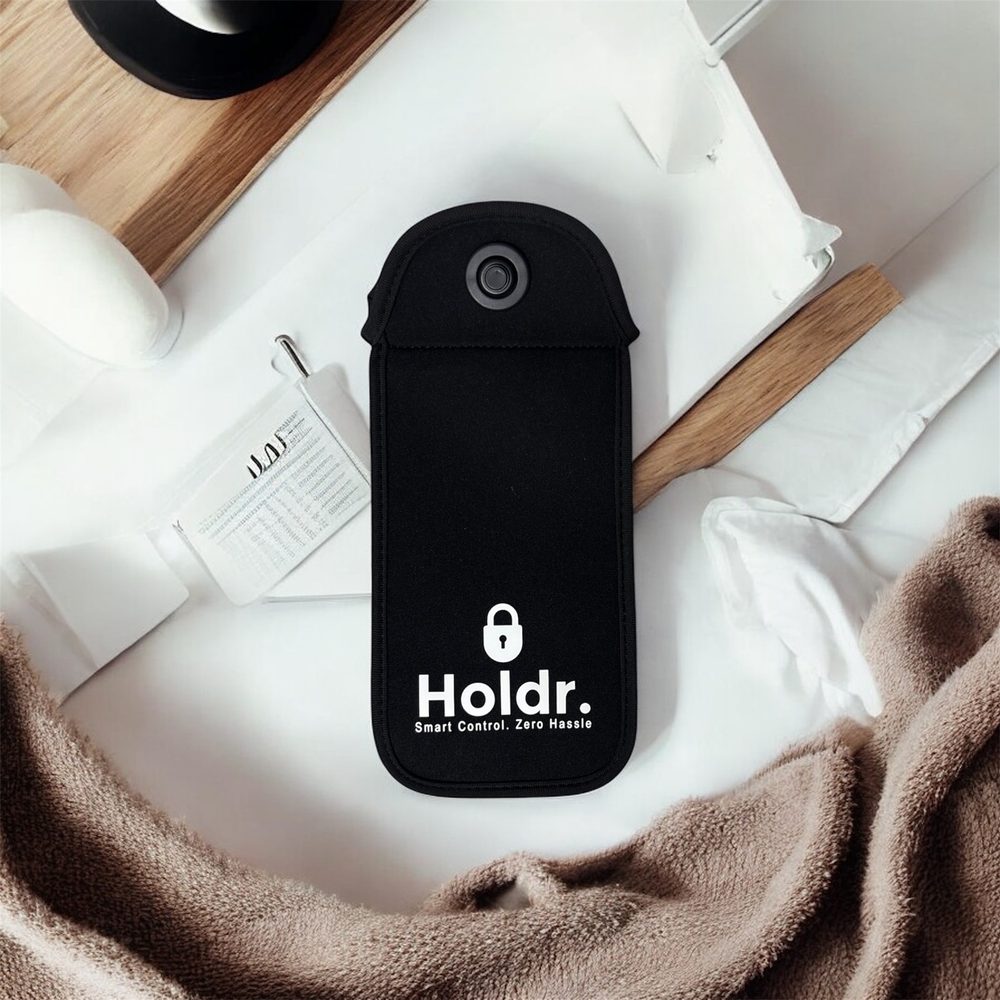
02 — Lock
Secure the pouch using the Holdr locking system.
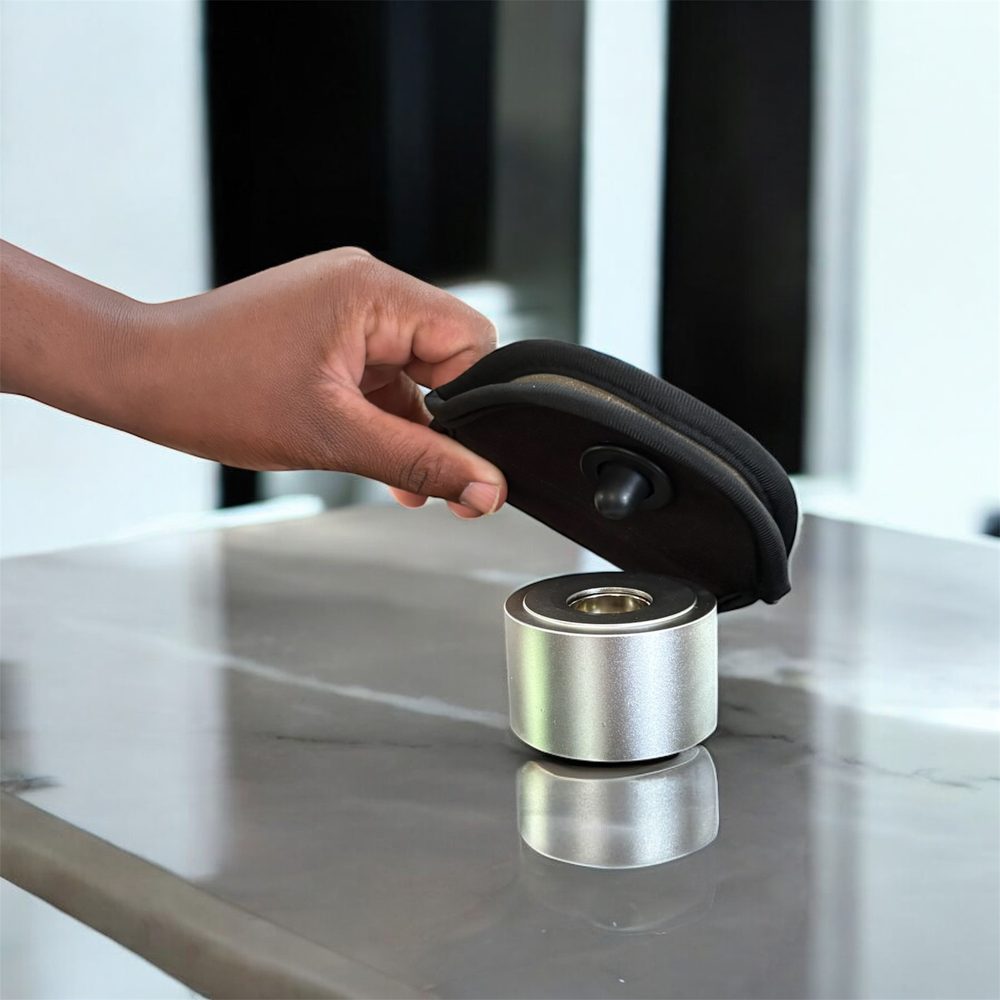
03 — Unlock
Unlock the pouch at an authorised unlocking point when phone access is permitted.
One simple system. Multiple environments.
Schools
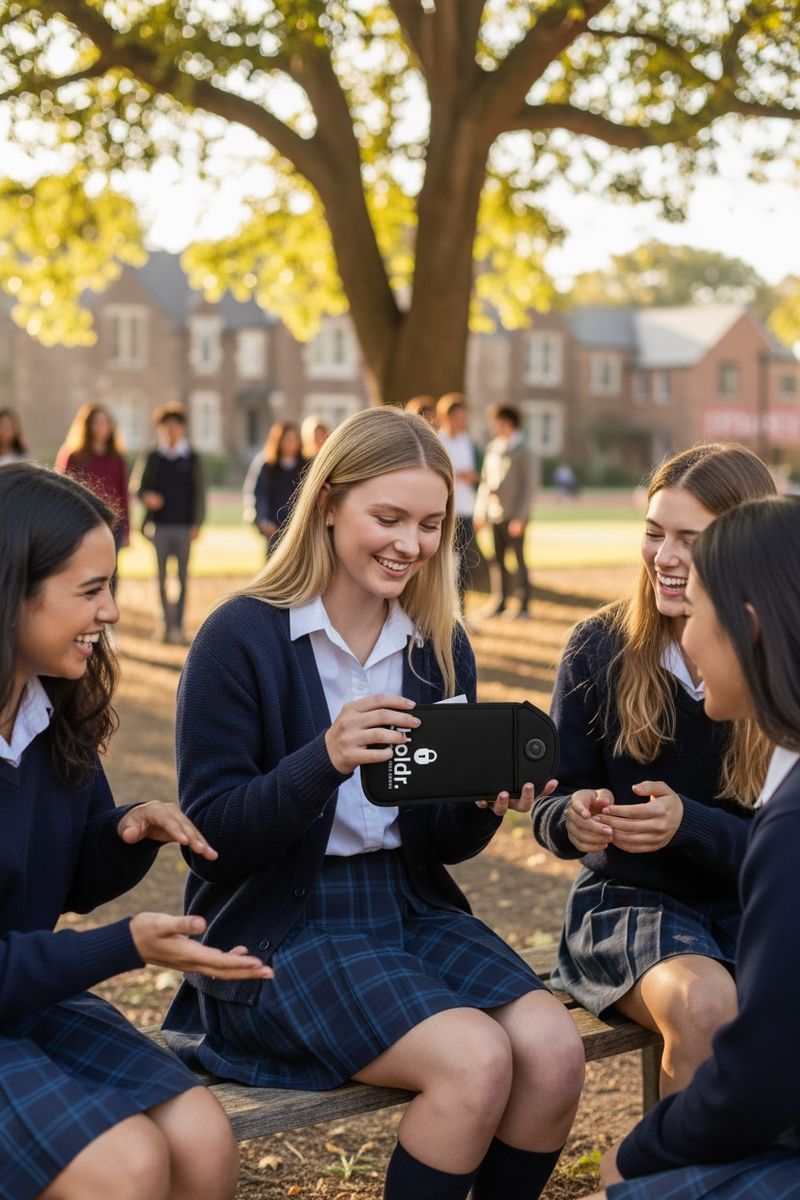
Give schools a practical way to manage phone access while allowing students to retain possession of their devices.
Corporates

Create focused environments for meetings, training, workshops and strategic discussions.
Events

Help event organisers create more focused, engaged experiences for audiences and participants.
Smart control. Zero hassle.
No confiscation
Simple to implement
Phones remain with their owners
Consistent enforcement
Blocks GSM, Bluetooth and Wi-Fi signals
Scalable across organisations
Durable and protective design
Common questions
Does the student keep their phone?
Yes. The phone stays inside the Holdr pouch, in the student's possession, the whole time — it's just inaccessible until the pouch is unlocked.
Can the pouch be opened without authorisation?
The pouch can only be opened by someone with access to one of the magnetic unlocking devices.
How does the locking system work?
Pouches are sealed shut by pressing down on the locking mechanism pin, and opened using a magnetic unlocking device (base station) placed at an authorised point — no app or battery required in the pouch itself.
Where are phones unlocked?
At authorised unlocking points your organisation sets up — for example the school gate, a staff room, or a meeting-room entrance.
Is Holdr suitable for entire schools?
Yes — pouches are typically issued per learner, with base stations placed at the gate or other release points school-wide.
Can Holdr be used by businesses?
Yes — for meetings, training, workshops and any space where a business wants a physical, opt-in no-phones policy.
Can Holdr be branded with an organisation's logo?
Yes — personalised branding is available at an extra cost. to discuss options for your organisation.
How do I order Holdr?
Individuals can order directly through the Shop. Schools, businesses and event organisers should book a demo or request pricing, and we'll size an order to your organisation.
Ready to take back focus?
Whether you're managing a school, leading a business or organising an important event, Holdr gives you a simple way to control phone access when attention matters.
Checkout
You'll be redirected to PayFast to pay securely by card, EFT or Instant EFT. Holdr never sees or stores your card details.